App Screenshots & Interface Preview
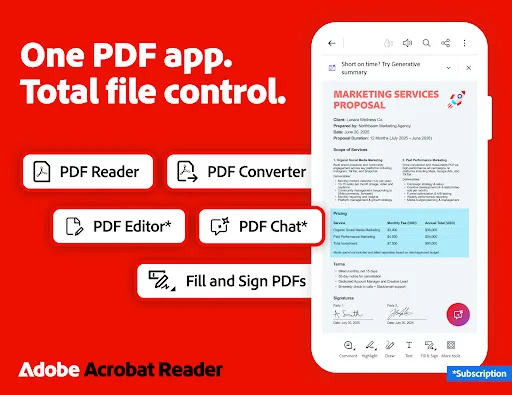
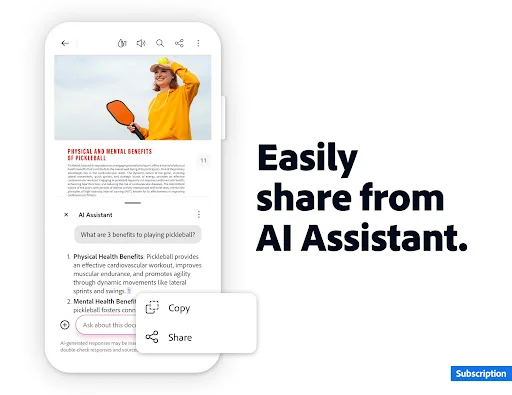
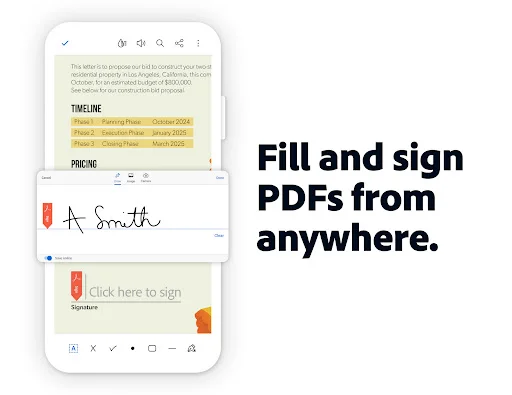
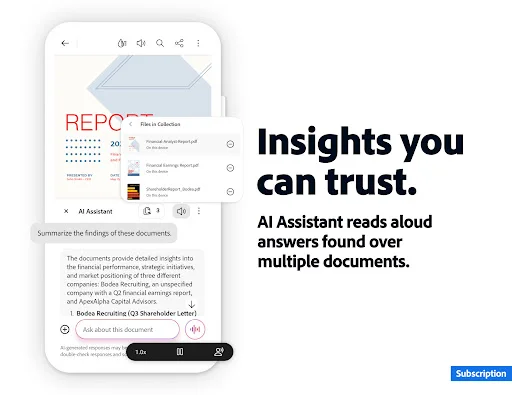
Explore Adobe Acrobat Reader: Edit PDF's actual user interface through these 8 authentic screenshots captured from the official app stores.
Pricing & Availability
FREE
Download Price
$1.99 - $299.99 per item
In-App Purchases
Android & iOS
Available Platforms
System Requirements
Updated
Dec 16, 2025
Downloads
500M+
Size
448MB
Developer
Adobe
Version
VARY
Package Name
com.adobe.reader
Pros & Cons
Pros
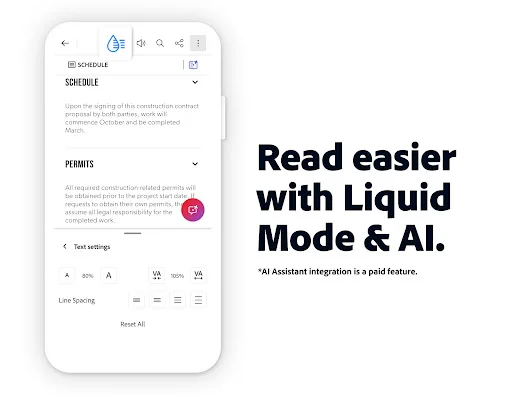
- ✓ AI-powered features streamline document interaction and productivity.
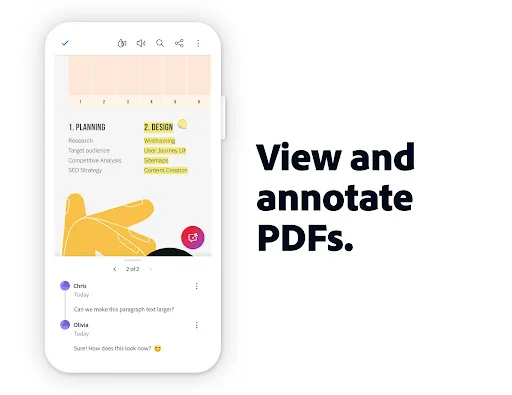
- ✓ Robust annotation tools allow for detailed comments and highlights.
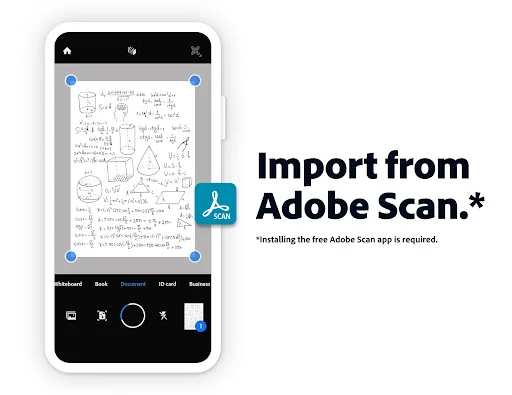
- ✓ Optical Character Recognition (OCR) effectively converts scanned documents.
- ✓ Seamless file sharing and collaboration functionalities.
- ✓ Access documents from anywhere with online storage integration.
Cons
- ✗ Some advanced features require a paid subscription.
- ✗ Initial setup can be overwhelming due to extensive options.
- ✗ Occasional performance lags when handling large files.
- ✗ AI features may not be fully accessible outside the trial period.
- ✗ Limited customization options for the interface.
Ratings
based on 7564 reviews
Description
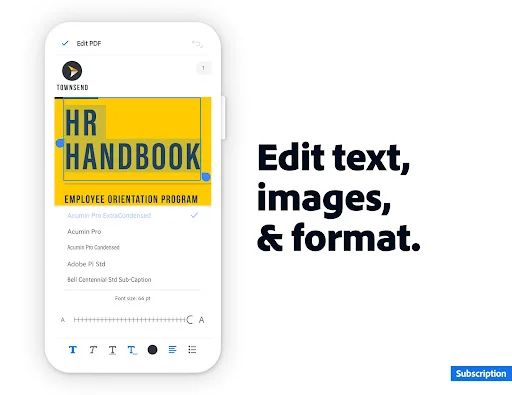
Adobe Acrobat Reader: Edit PDF stands out as the best free PDF app available today, catering to both casual users and professionals alike. This powerful tool not only allows you to view and annotate PDFs but also brings a plethora of editing features to your fingertips. With the new Adobe Acrobat AI Assistant, collaborating on PDFs has never been easier, as it enables you to work across multiple files seamlessly. Its innovative features, such as voice commands and AI-driven summaries, redefine how users interact with their documents. Whether you need to fill out forms, sign documents, or convert files into different formats, Acrobat Reader accommodates all these tasks with grace. Plus, the ability to access your documents from anywhere ensures you're always equipped to manage your important files on the go.
Editor's Review
Adobe Acrobat Reader: Edit PDF is undoubtedly among the best free PDF apps you can find in the market, transforming the way users handle PDF documents. This app combines an intuitive interface with powerful features, enabling smooth navigation, annotation, and document editing. The recent integration of the AI Assistant is a game-changer; it supports voice commands and provides instant answers to your PDF-related queries, making it easier to extract and summarize information from complex documents. The optical character recognition (OCR) feature is particularly impressive, allowing you to convert scanned PDFs into editable text. Furthermore, the app promotes collaboration through shared comments and notifications, ensuring everyone is on the same page. While some advanced features are subscription-based, the free functionalities are robust enough for everyday users. Overall, Adobe Acrobat Reader remarkably enhances productivity and is a must-have for anyone who regularly interacts with PDFs.
Review Methodology & Author
James Thompson
Senior App Reviewer
Privacy and security researcher who evaluates apps for data practices and user safety.
Our Review Process
- 1Installation & Setup: We download and install each app from official app stores (Google Play / App Store) to ensure authenticity.
- 2Hands-on Testing: Our team tests core features, user interface, and overall performance across different devices.
- 3User Feedback Analysis: We aggregate and analyze user reviews from official stores to identify common strengths and pain points.
- 4Regular Updates: Reviews are updated periodically to reflect the latest app versions and user experiences.
Data Source & Transparency
Official Data Sources
- ✓Google Play Store
- ✓Apple App Store
- ✓Developer: Adobe
Data Freshness
- ◉App Updated: Dec 16, 2025
- ◉First Released: May 24, 2010
- ◉Review Verified: Jan 4, 2026
Disclaimer: All app information, screenshots, and ratings are sourced directly from official app stores. We strive to keep our data accurate and up-to-date, but app details may change. Always verify current information on the official store pages before downloading.
Similar Apps

Twitch: Live Streaming
Entertainment
100M+

Uniee: Easy Chat & Local Date
Lifestyle
100K+

Bumble Dating App: Meet & Date
Dating
100M+

onX Hunt: Offline Hunting Maps
Sports
5M+

discovery+ | Stream TV Shows
Entertainment
10M+

BET+
Entertainment
5M+

Microsoft OneDrive
Productivity
5B+
Peacock TV: Stream TV & Movies
Entertainment
50M+

Apple Music
music-audio
100M+

Hinge Dating App: Match & Date
Dating
10M+

TextNow: Call + Text Unlimited
Communication
100M+

Crunchyroll: Anime Streaming
Entertainment
100M+